Hugo comes in three versions: Standard, Extended, and Extended/Deploy. The Standard edition covers core functionalities, while Extended adds advanced options, with Extended/Deploy** offering further deployment features.
Setting Up Your Directories
- Open File Explorer and create a folder, e.g.,
C:\Hugo, and inside it, abinfolder.
Installing Hugo
-
Download the latest Hugo executable from Hugo releases.
-
Extract the contents into
..\Hugo\bin. -
Open Command Prompt as Administrator and add Hugo to the PATH:
setx PATH "%PATH%;C:\Hugo\bin"Alternatively, add
C:\Hugo\binvia Environment Variables. -
Verify the installation by typing
hugo helpin the command prompt.
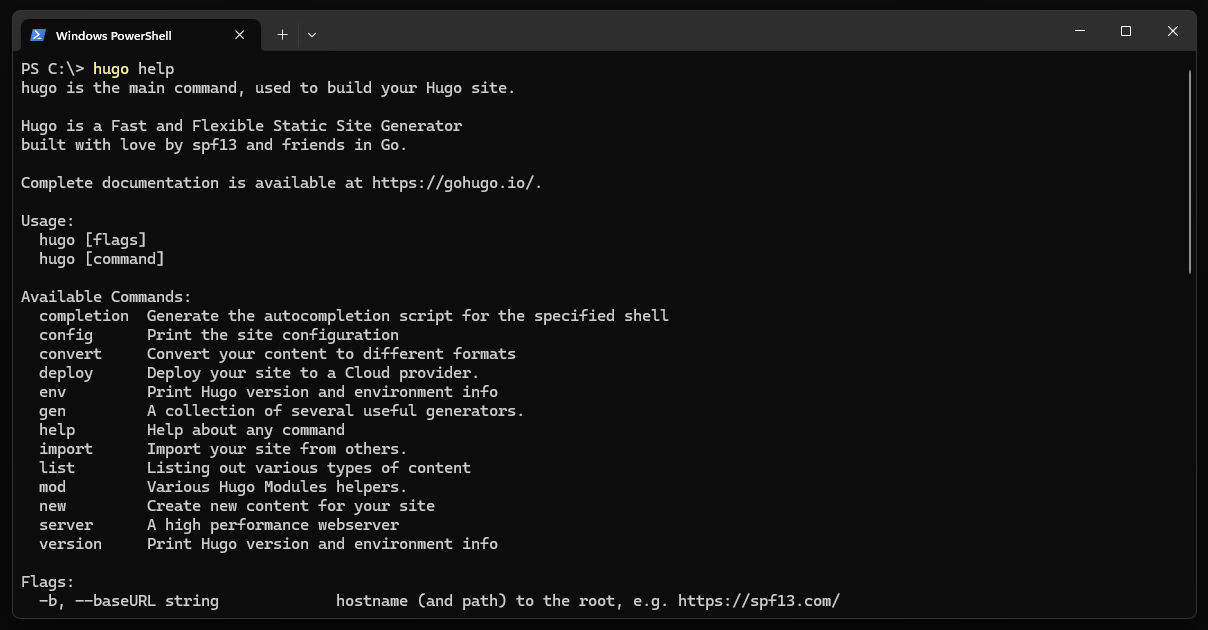
Hugo in Command Prompt
You can check the offical documentation for more installation details here.